
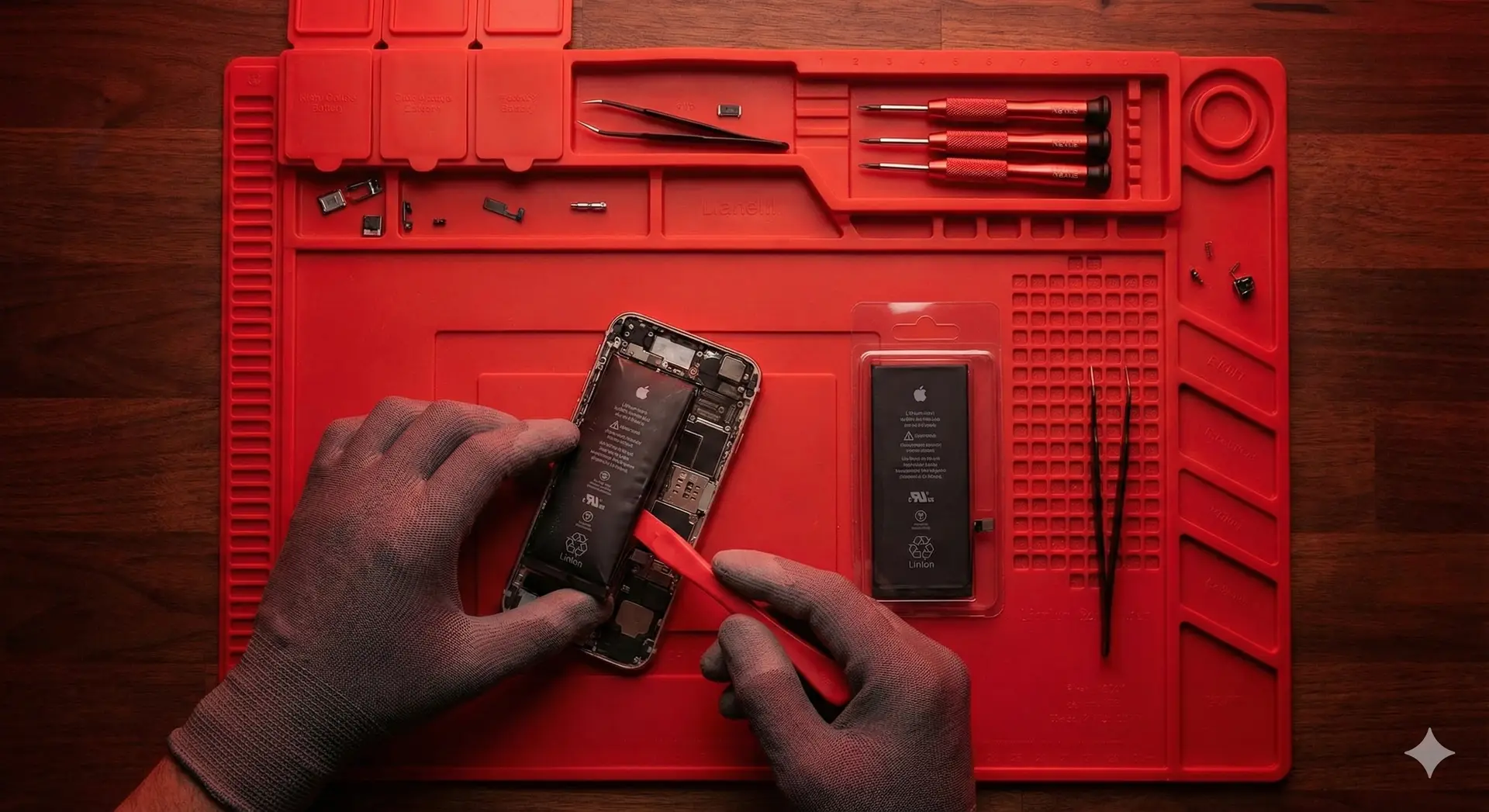
5 Common Habits That Are Secretly Killing Your Phone Battery
Is your phone dead by 2:00 PM? Do you feel like you are constantly tethered to a wall outlet? Before you blame the phone manufacturer, take a look at your daily habits.Batteries degrade over time—that is a fact of life—but the way you charge your device can speed up that process significantly. Here are the top 5 mistakes we see customers make, and how to fix them.1. Using “Gas Station” ChargersWe get it—you were on a road trip, forgot your cable, and bought a $5 charger from the convenience store.
Why it’s bad: Cheap, uncertified cables often lack the proper power regulation chips. They can send inconsistent voltage to your device, causing overheating and permanent damage to the charging port (the Tristar chip in iPhones is especially vulnerable to this). The Fix: Always use MFi-certified (for Apple) or high-quality branded cables. We stock durable, fast-charging cables in the shop that won’t fry your phone.2. Letting Your Phone Die Completely (0%)Years ago, with old nickel-cadmium batteries, you had to let them drain to “calibrate” them.
The Reality: Modern Lithium-Ion batteries hate deep discharges. Letting your phone hit 0% frequently puts chemical stress on the battery cells. The Fix: Try to keep your battery percentage between 20% and 80%. This is the “sweet spot” for longevity.3. Overheating While ChargingHeat is the #1 enemy of electronics. If you have a thick, rubbery case on your phone and you leave it plugged in overnight (especially under a pillow), the heat gets trapped.
The Fix: If your phone feels hot to the touch while charging, take the case off. And never, ever charge your phone under a pillow or blanket.4. Using Your Phone While ChargingPlaying heavy 3D games or watching movies while plugged in generates a “parasitic load.” You are draining the battery at the same time you are filling it, which generates excessive heat. The Fix: Let it charge in peace for 30 minutes. It charges faster when you aren’t using it anyway!5. Ignoring the “Service Battery” WarningIf your settings menu says “Service” or your Battery Health is below 80%, your phone is throttling its own performance to prevent a shutdown. The Result: Your phone will feel slow, laggy, and apps will crash.Need a Fresh Start?If your battery is already struggling to hold a charge, no amount of good habits will fix it. A battery replacement is quick, affordable, and makes your phone feel brand new again.🔋 Come in today for a battery health check and browse our premium charging accessories!